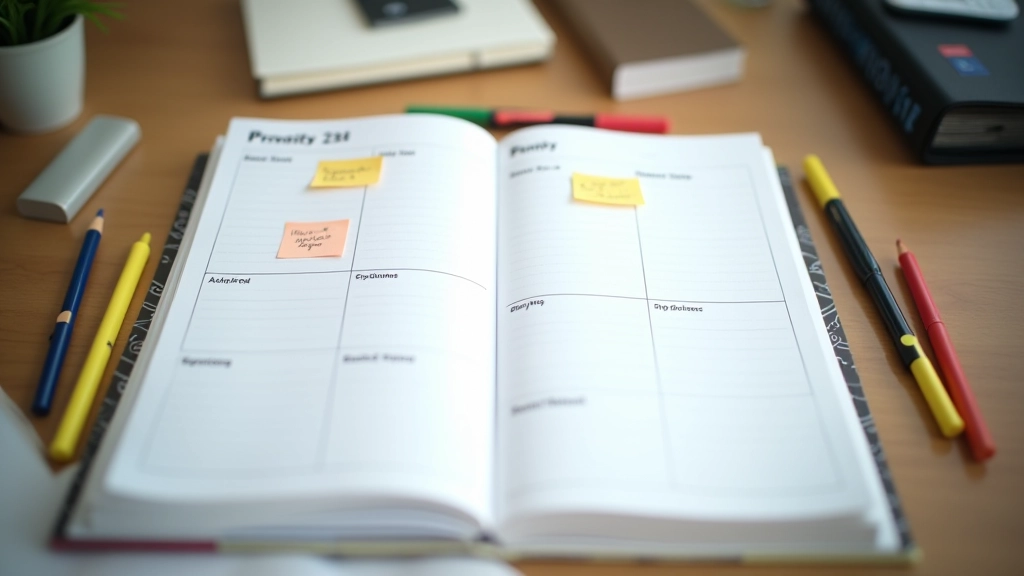

The Eisenhower Matrix: Sorting What Actually Matters
A simple two-by-two grid that helps you distinguish urgent from important. We break down how to use it without getting lost in the theory.
Read ArticleProtect your focus by assigning specific blocks of time to specific tasks. We walk through a realistic example you can adapt to your own schedule.

Time blocking isn’t complicated. You’re assigning chunks of your day to specific types of work. That’s it. Instead of letting your day happen to you — checking emails whenever they arrive, jumping between tasks — you decide in advance: this hour is for writing, this block is for meetings, this stretch is for deep focus work.
The real benefit? It’s not magical. It’s just that your brain works better when it knows what’s coming. You’re not constantly switching gears. You’re not wondering “what should I do next?” every five minutes. You’re following a plan you made when you were thinking clearly.

Start with what you already know. You probably have fixed commitments — meetings at specific times, client calls, team standups. Write those down first. These are your anchors.
Then, identify your deep work blocks. When do you do your best thinking? For most people, it’s early morning or late afternoon. Some people hit their stride after lunch. You know yourself better than anyone. Block out 90-120 minutes for your most important work. That’s usually enough time to get into flow without burning out.
Here’s the practical part: don’t block every single minute. You need buffer time between blocks. Meetings run over. You need bathroom breaks. Leave gaps. 15-20 minutes between major blocks usually works well.

Let’s walk through what this actually looks like. Here’s a realistic weekday for someone doing knowledge work:
Notice the pattern? Deep work blocks are protected. Communication blocks are grouped together (not scattered throughout the day). You’re not switching between intense focus work and administrative tasks every 30 minutes.
During deep work blocks, your phone should be in another room. Seriously. Email notifications, Slack pings, text alerts — they’re designed to interrupt you. You can’t ignore them if you don’t see them.
If it’s not on your calendar, it doesn’t exist. Add your time blocks as calendar events. This prevents others from scheduling meetings during your deep work time. It also gives you a visual commitment.
Don’t overhaul your entire schedule on day one. Try blocking just your first two hours. See how it feels. What worked? What didn’t? Adjust next week. Real systems evolve from experience, not theory.
Before your deep work block starts, know exactly what you’re doing. Not “work on the project” but “write the introduction section” or “review the spreadsheet.” Clarity saves your first 10 minutes of block time.
You’ll get requests to move your deep work block. “Can we push the meeting?” “This is urgent, can you help?” You need to defend these blocks like they’re client calls. They’re non-negotiable.
Sunday evening (or Friday afternoon), review your schedule. Did your deep work blocks happen? Were they long enough? Did you actually focus or were you interrupted? Adjust for next week.
Here’s what we see happen most often: people create the perfect schedule, then ignore it. The schedule sits on their calendar, looking nice. But when 6:30 AM rolls around, they check email instead of starting their deep work. The system only works if you actually follow it.
Another mistake? Being too rigid. You blocked 9 AM to 11 AM for deep work, but a client calls at 9:30 AM. Now you’re frustrated and your schedule feels pointless. Real schedules need flexibility. If a genuine emergency happens, move your block. But don’t move it because you felt like checking Slack.
The third trap is overcomplicating it. You don’t need fancy color-coding or app integrations (though those can help). A Google Calendar with blocks named “Deep Work” and “Email” is enough. Start simple. Add complexity only if you need it.

You don’t need special software. But some tools make it easier. Here’s what actually works:
Free, simple, integrates with everything. Add your blocks as all-day events or specific time slots. Set them as “Busy” so people can’t book over them. That’s genuinely all you need.
Some people focus better when they write things down. A weekly planner where you draw blocks by hand has a different psychological effect than a digital calendar. Try it if screens feel draining.
Apps like Focus@Will or Forest can reinforce your blocks by blocking distracting websites during deep work time. Not necessary, but helpful if you’re still building the habit.
Use your phone’s timer or a kitchen timer. Knowing you have 90 minutes of protected time changes how you approach the work. When the timer goes off, you transition. It’s that simple.
Time blocking isn’t revolutionary. It’s not going to change your life overnight. But it works because it respects how your brain actually operates. When you have protected time, you go deeper. When you’re not context-switching every 15 minutes, you get more done in less time.
This week, try it. Pick your best time of day. Block 90 minutes. Put your phone away. Work on one thing. See what happens. You’ll probably be surprised how much you accomplish when nothing interrupts you.
The schedule itself doesn’t matter. The consistency does. Start small. Adjust based on what you learn. Build from there. That’s how you actually make time blocking stick.
This guide presents time blocking as an organizational technique. Results depend on your specific situation, job requirements, and personal circumstances. The schedule examples are illustrations and may not apply to all work environments. If you work in roles requiring constant availability (emergency response, customer support, etc.), you’ll need to adapt these principles. Time blocking works best when combined with clear prioritization and realistic goal-setting for your actual workload.